

Managing project members
You can also manage members at the project level. This allows you to remove members from a specific project without removing them from the team. For team-level management, see managing team members.
To view and manage members in a specific project:
- Navigate to the project.
- Go to the Members section inside the project.
- Hover over the member you want to remove from the current project.
- Click on the Delete icon.
- Confirm the deletion.
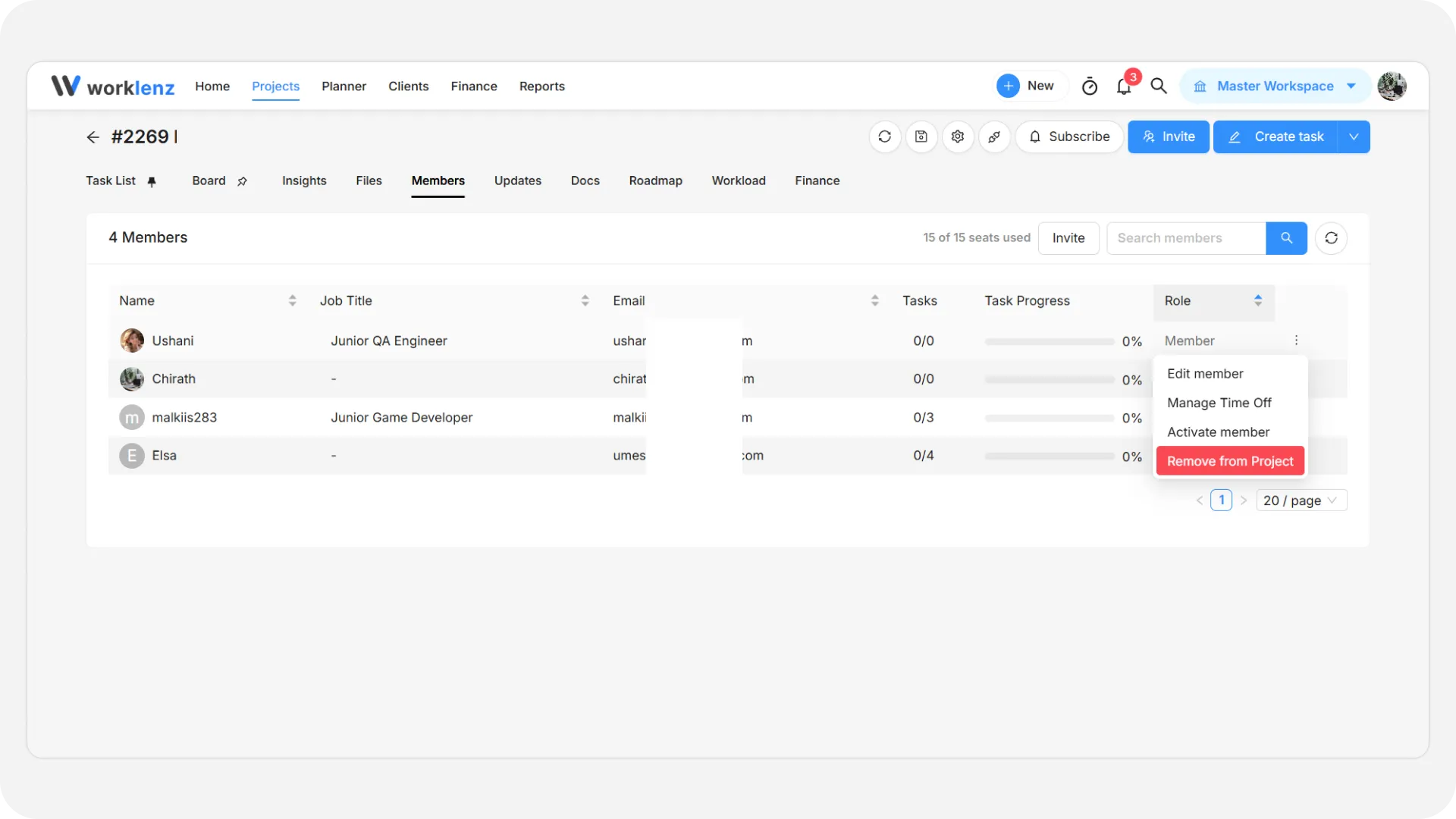
The member will be removed from the project but will continue to be part of the team.
To record leave for a member, open the member’s row menu and choose Manage Time Off. See Mark time off and leave.