

How to import a task template
In Worklenz you can create a task template from any task and reuse it across your projects.
To use a saved template:
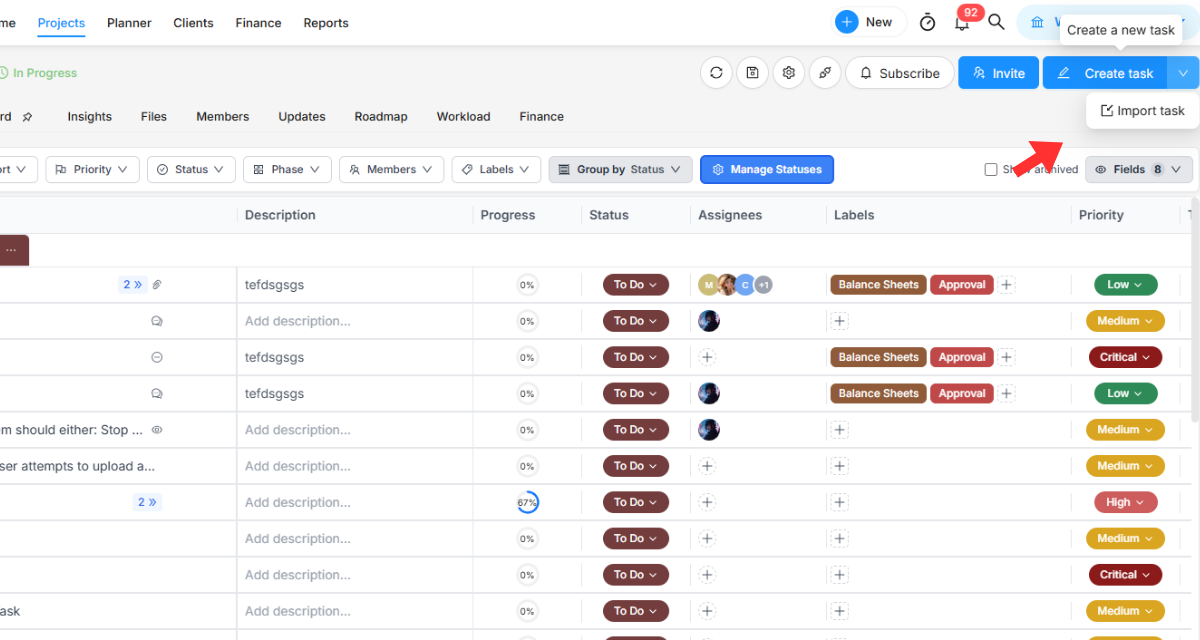
- Go to the Create Task button in the top left corner.
- Click the arrow and click Import Task.
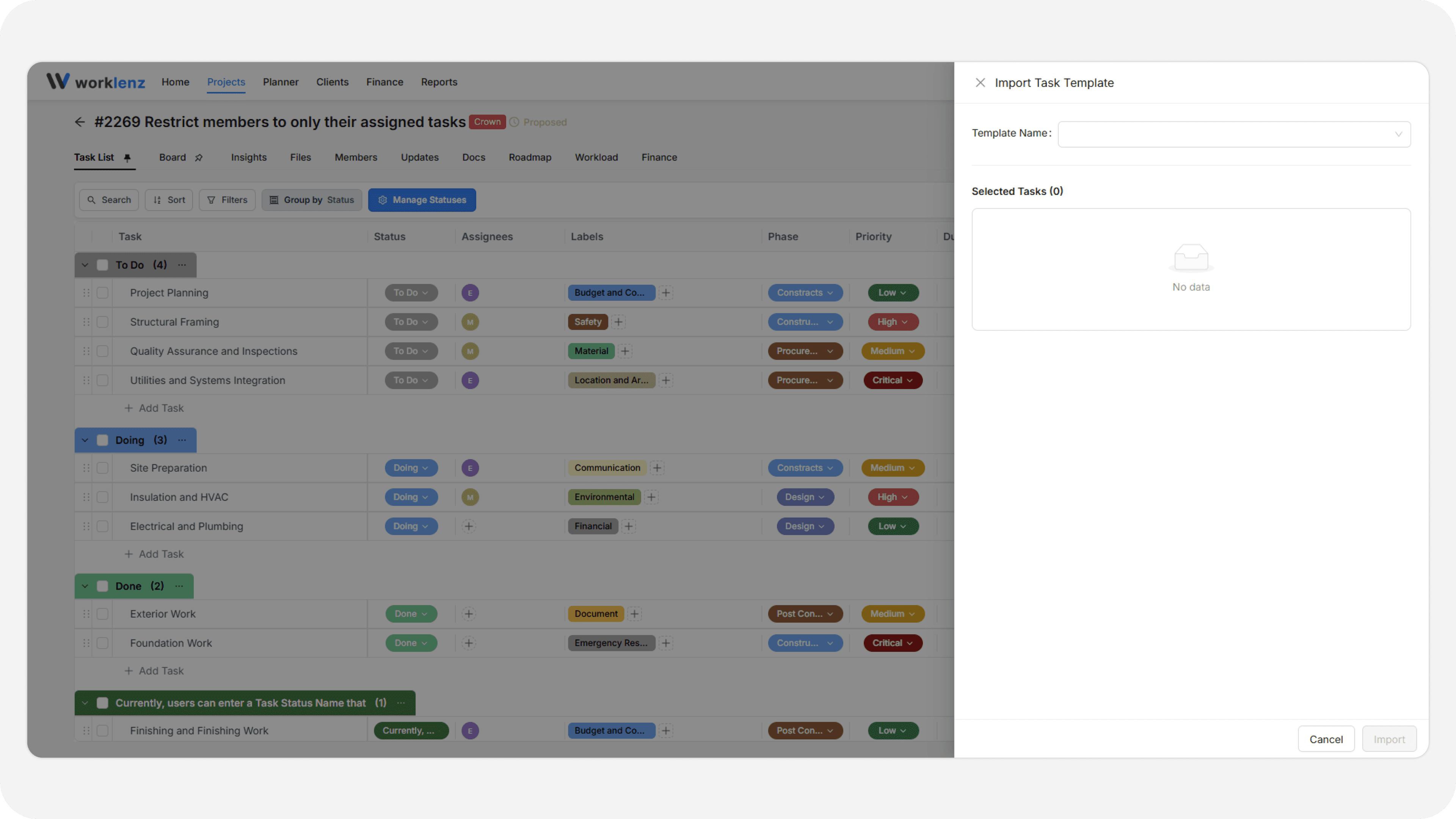
- The task import drawer opens.
- Search for the template name in the text box.
- Select the template you want.
- Click Import.
Templates and their Include subtask hierarchy option are managed under Settings > Task Templates. When that option is on, subtasks are saved under their parent task. When it is off, subtasks are saved as separate main tasks. See Task Templates settings.
Best practices
- Search by template name before importing, because the list can grow long as your team saves more templates.
- Decide on Include subtask hierarchy when you create the template, because it determines whether subtasks come back nested or as separate main tasks.