My team
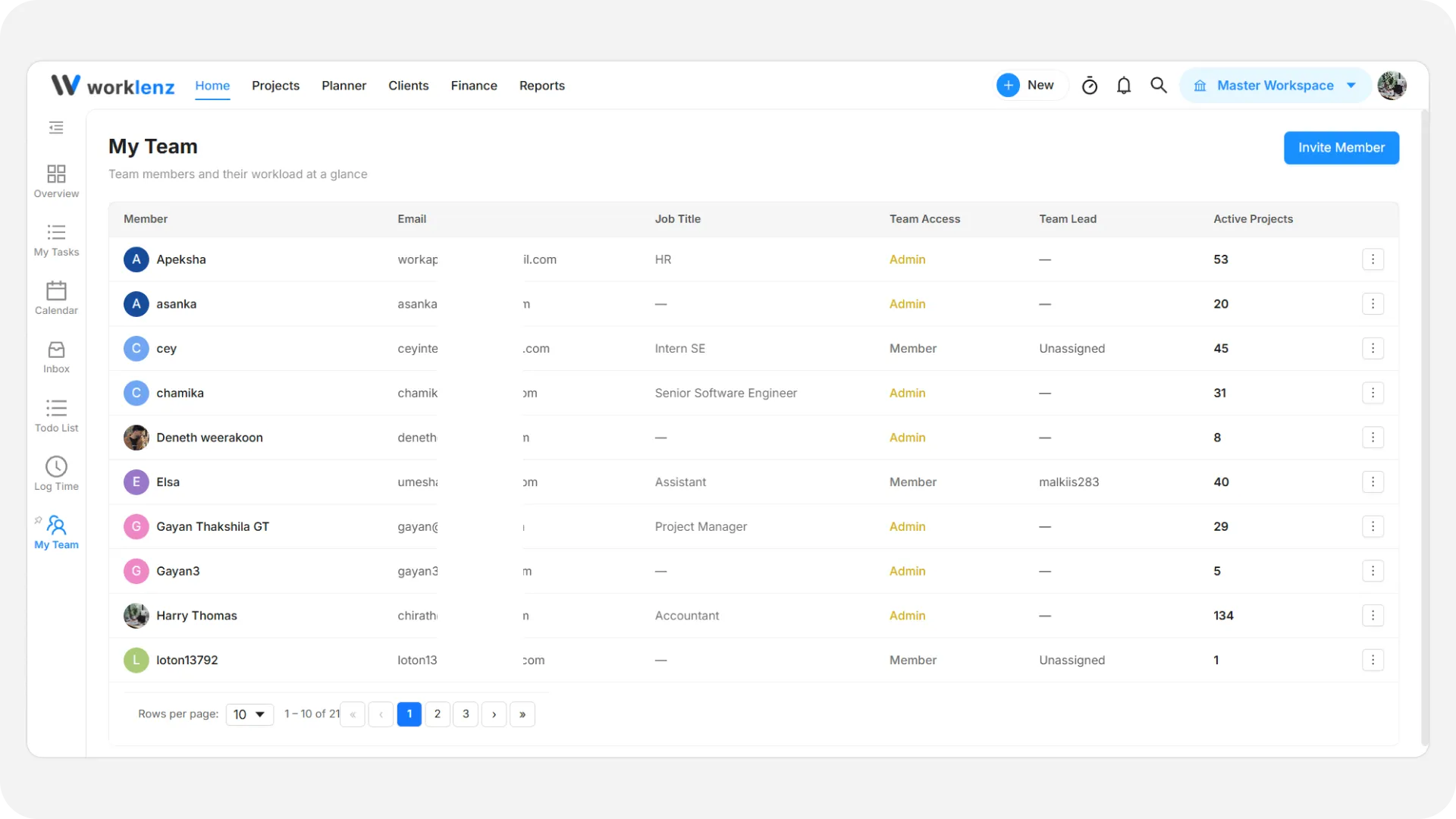
The My team directory gives you a full list of all colleagues and collaborators in your workspace.
Member directory
- Member and Email: The member’s name, avatar, and registered email address.
- Job Title: The team member’s role (e.g., Project Manager, Software Engineer).
- Team Access: The member’s access level in the workspace.
- Team Lead: The lead assigned to oversee this member.
- Active Projects: Number of active projects currently assigned to each person.
- Member Actions (
⋮): Deactivate or Activate a member, or Remove them from the workspace.
Invite members
- Click Invite Member at the top right to invite new colleagues by email. If your workspace has no members yet, the page shows “Let’s build your team!” with the same button.