My tasks
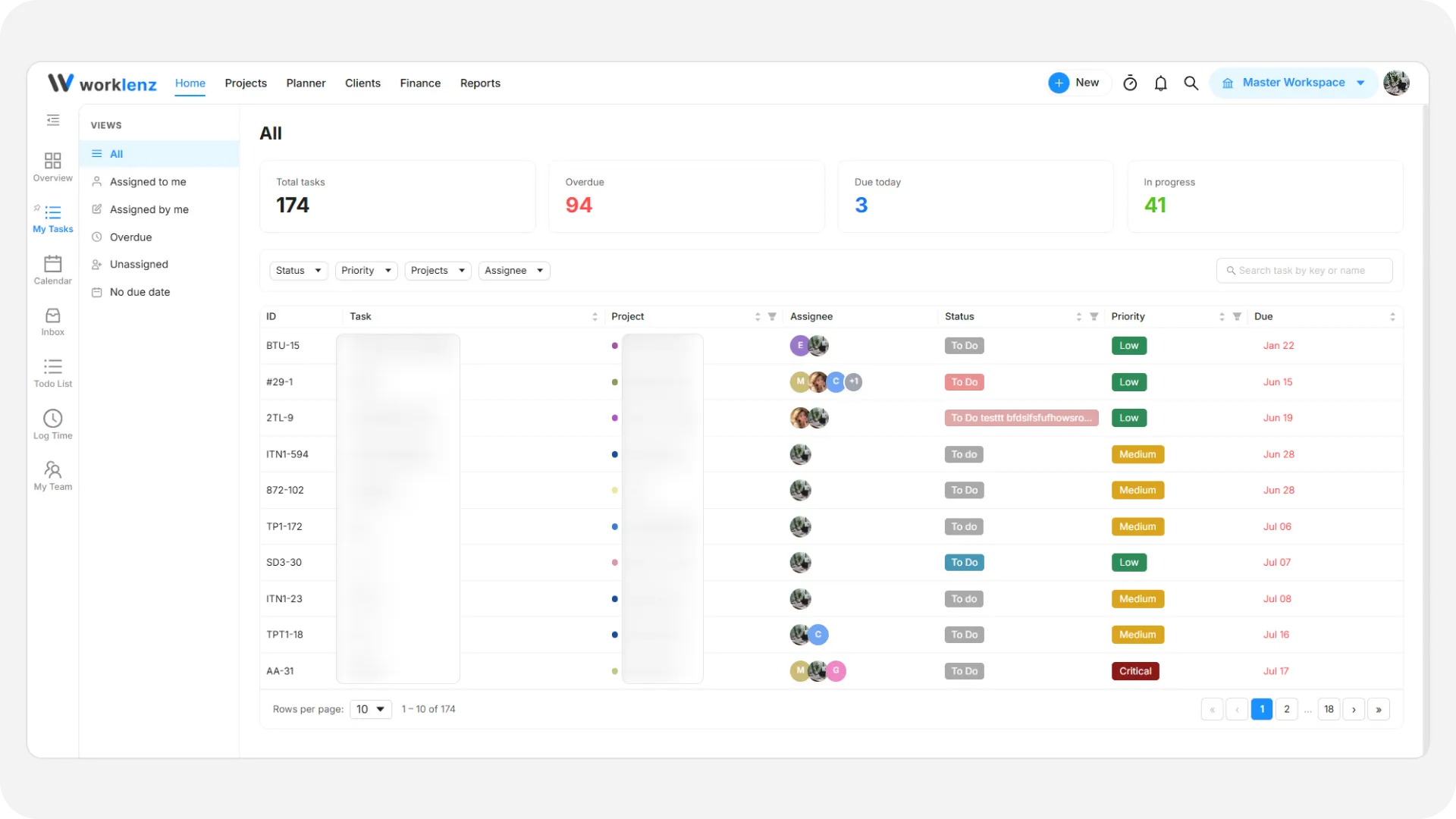
The My tasks page provides a unified view of your work across all projects.
Key metrics
- Total tasks: Total tasks assigned to you.
- Due today: Tasks due before the end of the day.
- In progress: Tasks currently being worked on.
Views & filters
- Search: Type in Search task by key or name to find a task quickly.
- Projects filter: Narrow the list to one or more projects. If nothing matches, you see “No tasks match your filters” and a Clear Filters option.
Task table
- The table shows the task ID, the Task name, the Assignee, and the Due date.
- When there is nothing left to do, you see “You’re all caught up!”.